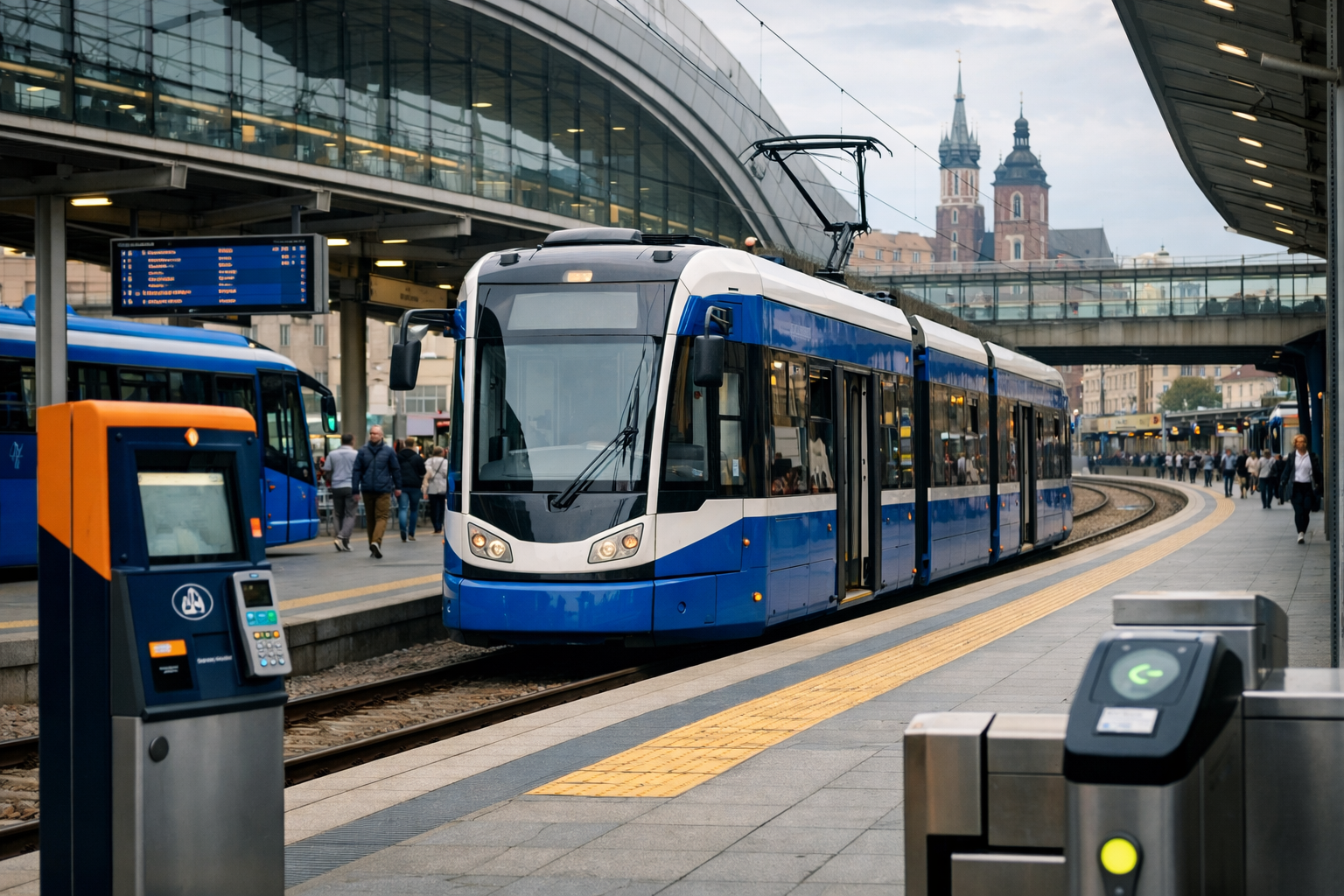
Yes, you can buy Krakow tram tickets online or in an app, but the practical Kraków method is to prepare your account and payment before boarding, then buy the ticket immediately after entering the tram or bus. A short-term mobile ticket is validated at the moment of purchase, not activated later at a time of your choice.
For ordinary Kraków public transport, the current mobile-sales list from Zarząd Transportu Publicznego w Krakowie includes iMKA, moBiLET, SkyCash, Jakdojade and zBiletem. These are the main apps to consider for a normal visitor journey on the KMK tram and bus network.
How do you buy Krakow tram tickets online before boarding?
The important distinction is between preparing the app in advance and buying the actual ticket. Set up your account and payment method before you reach the stop or enter the vehicle. Once you are on board, select the appropriate short-term ticket and identify the particular tram or bus using its side number or the vehicle’s QR code.
- Register and prepare payment before travelling. Do not leave account creation or top-up until you are already on the tram.
- Board the correct vehicle. The mobile purchase is connected to that specific tram or bus.
- Buy the ticket immediately after entering. Enter the vehicle side number in the app, or scan its QR code if that option is offered.
This is not the same as buying a digital ticket in advance for an unrestricted future journey. For Kraków short-term mobile tickets, the purchase itself validates the ticket. Buying one several hours earlier does not give you a ticket that you can freely activate later.
Which apps can visitors use for Kraków public transport?
ZTP Kraków currently identifies these five mobile applications as sales channels for KMK tickets.
- iMKA – supports single and period tickets for Kraków urban transport. Its wider MKA system also includes integrated rail-and-urban-transport ticket functions.
- moBiLET – listed by ZTP Kraków as a mobile application for buying KMK tickets.
- SkyCash – another app included on the current ZTP Kraków mobile-sales list.
- Jakdojade – useful for visitors who already use it for Kraków route planning and want ticket purchase in the same travel application.
- zBiletem – explicitly lists MPK Kraków, or KMK, among its supported transport authorities.
The list is best understood as a group of authorised sales channels, not as a ranking of the best app. Availability of a particular payment method, device version or app-store edition can vary, so choose an app you can install and register before travelling rather than waiting until the tram doors close.
Is iMKA suitable for a Kraków visitor?
iMKA is more than a Kraków-only ticket application. Its stated functions cover single and period tickets for Kraków urban transport and integrated rail-and-city travel within the MKA system. That makes it potentially useful if your journey combines regional rail with public transport in Kraków.
For a single tram ride, however, you do not need to choose an app because it has the broadest regional functions. The practical requirement is that the app is available to you, your account is ready and you can complete the purchase for the vehicle you have boarded.
What is distinctive about zBiletem?
zBiletem explicitly names MPK Kraków and KMK among its supported transport authorities. It is therefore relevant to visitors looking for a general ticketing application rather than a Kraków resident-card application. Its recent maintenance is a useful sign that it remains an active option, but an app update date should not be treated as a guarantee that every payment method or phone configuration will work for every traveller.
What vehicle number do you enter in the ticket app?
When the application asks for the vehicle number, use the number belonging to the tram or bus you are actually travelling on. Do not use the number of a previous vehicle, a vehicle shown in a journey-planning result or a number copied from another passenger’s instructions.
The vehicle’s side number or QR code is important because the mobile ticket is tied to that specific vehicle. If the app offers QR scanning, scan the code belonging to your vehicle. If it requires manual entry, check the number carefully before confirming the purchase.
Do not postpone the purchase until an inspection has started. Once ticket inspection begins in a Kraków KMK vehicle, mobile-ticket sales for that vehicle should be blocked. A ticket bought by entering the number of another vehicle can be treated as invalid.
Compare the next practical option for your trip.
Can you buy a Kraków tram ticket after boarding?
You should buy it immediately after boarding, before inspection begins. The Kraków process is designed for a quick purchase just after you enter the particular tram or bus, rather than for buying a ticket long before the journey.
Have the app open or easy to reach, keep your payment details ready and check the vehicle number before confirming. If the sale is blocked because inspection has started, do not try to solve the problem by selecting another vehicle number. That does not create a valid ticket for your journey.
A broken ticket machine on the vehicle does not make travel free. The 2026 inspection regulation states that a malfunctioning vehicle ticket machine is not, by itself, a basis for travelling without a ticket. This is another reason to prepare a mobile option before boarding, while remembering that the phone app must still complete a valid purchase for the correct vehicle.
Is mPay still available for Krakow tram tickets?
No. Do not rely on mPay for Kraków KMK tickets. Sales through the mPay application ended on 21 July 2025. An older English-language ZTP page may still contain an mPay reference, but the withdrawal information and the current mobile-sales list mean that mPay should not be treated as an available Kraków ticket channel.
If you previously used mPay in another Polish city, that does not change its Kraków status. Select one of the applications currently listed for KMK instead, and complete registration before your journey.
Are mKraków, mKKM and Karta Krakowska the same as visitor ticket apps?
No. Kraków has separate applications and services for resident-card functions, named period tickets and ordinary short-term mobile sales.
mKKM supports the mobile Kraków City Card and the purchase and presentation of named period tickets. It is available to KMK users regardless of residence according to the municipal transport information, but it is not the primary choice for a visitor who needs one ordinary tram journey.
The older Karta Krakowska/mKK application is also associated with Kraków Card functions rather than being a general replacement for the short-term ticket apps. Its operation is planned to continue until 12 October 2026, after which those Kraków Card functions are to be available in mKraków. This transition matters mainly to users of the city-card system, not to someone buying a single ticket from the airport or accommodation area.
For a normal visitor journey, keep the distinction simple: use a current KMK mobile-sales app for a short-term ticket, and use mKKM or the Kraków Card services only when you specifically need a named period ticket or card-related function.
What should you prepare before taking a Kraków tram?
The smoothest phone-first approach is to make the administrative part invisible before you travel. Register in your chosen app, check that you can pay, and make sure your phone has enough battery and mobile connectivity for the purchase. Then board, identify the exact vehicle and complete the transaction immediately.
Do not assume that a journey-planning app automatically means a ticket has been bought. Do not treat a resident-card application as interchangeable with a short-term ticket app. Most importantly, do not buy a ticket using a different vehicle’s number or wait until an inspection is under way.
In short, krakow tram tickets online are best handled as a just-before-or-immediately-after-boarding task: prepare the app in advance, use iMKA, moBiLET, SkyCash, Jakdojade or zBiletem, enter the correct vehicle number or scan its QR code, and complete the purchase without delay.